
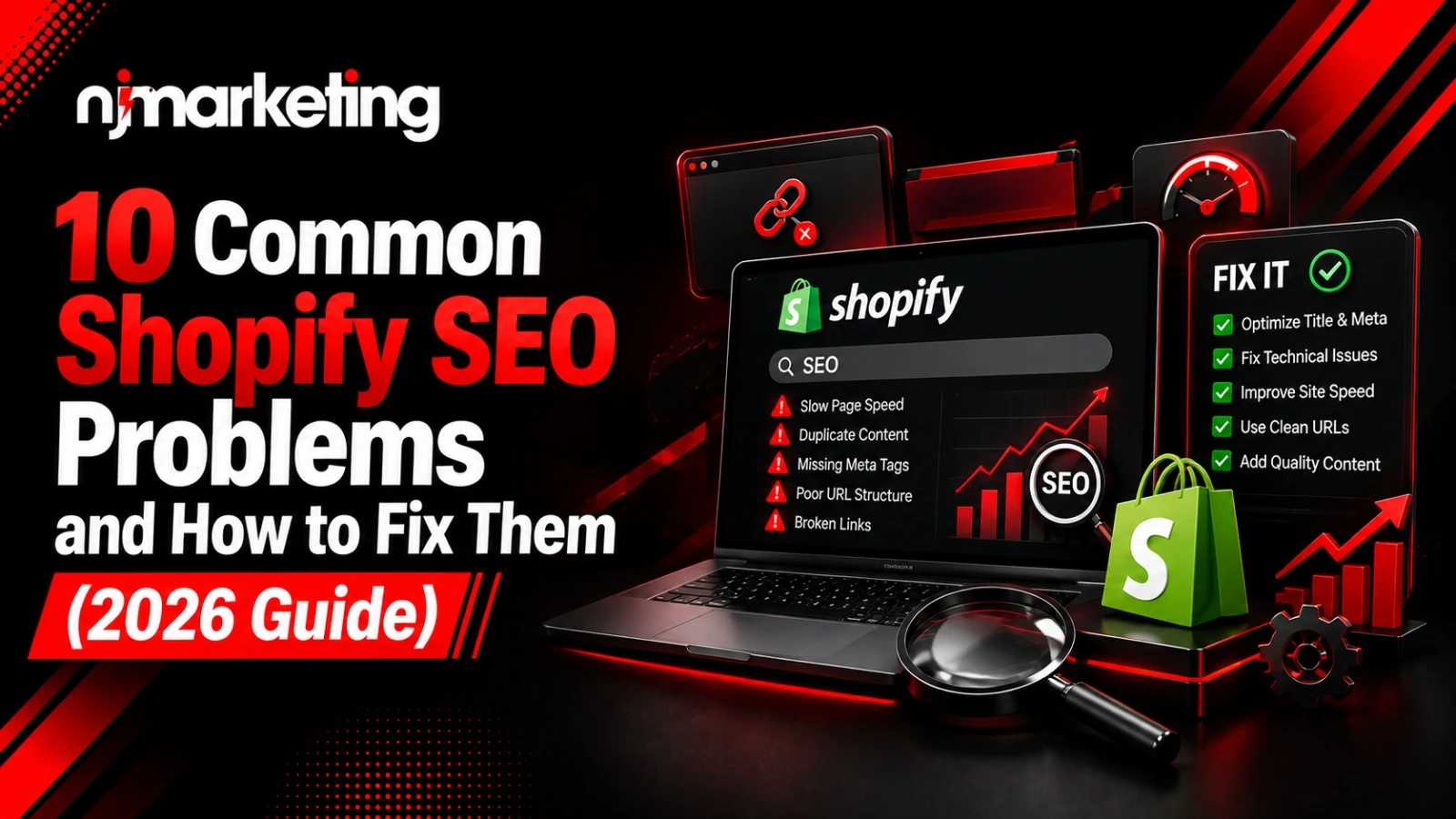
Shopify makes it easy to launch a store. It does not make it easy to rank one.
Within weeks of going live, most merchants run into the same wall: traffic stalls, product pages don’t show up on Google, and nobody can quite explain why. The truth is, these aren’t random bad luck. They’re Shopify SEO problems baked into how the platform works and almost all of them are fixable once you know where to look.
In short, the most common Shopify SEO issues are duplicate content, slow load times, thin collection pages, weak metadata, and limited URL control. Below, we break down the 10 biggest offenders and exactly how to fix each one.
Shopify is a closed, hosted platform. That’s great for speed of setup you don’t touch a server, ever. But it also means you can’t edit core files, add custom HTTP headers, or fully restructure your URLs the way you could on a self-hosted site.
This is exactly why so many Shopify SEO mistakes aren’t really “mistakes” at all. They’re default platform behaviors that quietly work against you unless someone steps in to fix them.
If you’re still deciding on a platform, it’s worth comparing your options before you build, see our breakdown of Webflow vs Shopify for a side-by-side look at SEO flexibility. And if your store has already outgrown Shopify’s limitations, our eCommerce website development team can help you scope a more customized build.
For now, though, let’s fix what you’ve got.
Shopify often lets the same product live at more than one URL once as a standalone product page, and again nested under a collection. To Google, these look like two separate pages with identical content.
That confuses search engines about which version to rank, splitting your ranking power in half.
How to fix it:
Every time a shopper filters by “red,” “cotton,” or “under $50,” Shopify can generate a brand-new URL. Multiply that across dozens of filter combinations, and you get hundreds of thin, near-identical pages crawling around your site.
How to fix it:
Shopify forces every product into a /products/ path and every collection into /collections/. You can’t remove these prefixes, and that’s one of the more persistent Shopify SEO problems merchants complain about.
How to fix it:
Bloated themes, oversized images, and one too many apps are the usual suspects behind a sluggish store. Speed isn’t just a user-experience issue, it’s a direct ranking factor.
How to fix it:
Default Shopify themes don’t require unique copy so plenty of merchants ship collection pages with a single line of text, or none at all. Google has nothing to index, rank, or differentiate from a competitor’s page.
How to fix it:
Shopify won’t auto-generate optimized metadata for you. Left untouched, pages either share the same generic title tag or have no custom description at all, a quiet but serious contributor to Shopify SEO issues across the whole site.
How to fix it:
Large, unoptimized images slow your site down. Missing (or keyword-stuffed) alt text does two things wrong at once: it hurts accessibility, and it wastes an easy on-page SEO opportunity.
How to fix it:
Sometimes a page simply vanishes from Google. It’s one of the most alarming Shopify SEO mistakes because it often happens silently when a theme update adds a stray noindex tag, an app blocks crawling, or the store gets left in password-protected mode after launch.
How to fix it:
Orphaned pages with no internal links pointing to it are invisible to both shoppers and search engines. Without a deliberate linking strategy, your blog content and your product pages end up operating as two disconnected islands.
How to fix it:
Many stores get a solid SEO setup at launch and then nothing. No one checks rankings, tracks broken links, or notices when a new app quietly adds render-blocking scripts. Small issues stack up until traffic drops are hard to ignore.
How to fix it:
If your audit turns up all 10 problems at once, don’t panic — and don’t try to fix everything in one afternoon. Work through issues in this order:
Fixing existing problems is half the job. Preventing new ones is the other half. A few habits worth building into your routine:
For a broader framework beyond Shopify specifically, our guide to SEO best practices covers the fundamentals every ecommerce site should have in place. If schema markup and technical implementation aren’t your team’s strength, our technical SEO team handles this as part of a full ecommerce SEO engagement.
If you find yourself fixing the same category of Shopify SEO problems every few months URL restrictions, filter bloat, template limitations it may be a sign you’ve outgrown the platform’s ceiling.
A custom-built store gives you full control over URL structure, server-level redirects, and technical SEO decisions Shopify simply won’t allow. Our team handles eCommerce website development for merchants ready to make that move, and our Webflow vs Shopify comparison is a good starting point if you’re still weighing the trade-offs.
The most common issues are duplicate content from multiple product URLs, slow page speed, thin collection descriptions, missing meta tags, and limited URL customization. Most stem from Shopify’s default settings rather than merchant error.
Shopify can generate multiple URLs for the same product, one on its own page, another nested inside a collection which search engines may treat as separate, competing pages unless canonical tags are set correctly.
Compress and convert images to WebP, remove unused apps, switch to a lightweight theme, and defer non-critical JavaScript. Test results in Google PageSpeed Insights and aim for an LCP under 2.5 seconds.
Not entirely. Shopify locks in path prefixes like /products/ and /collections/, but you can still optimize the editable slug portion of each URL with relevant keywords.
A quarterly audit is a reasonable minimum. It’s enough to catch broken links, ranking drops, and technical issues before they compound into bigger traffic losses.
None of these Shopify SEO mistakes are permanent. They’re common precisely because Shopify’s defaults create them for almost every merchant which means fixing them is one of the fastest ways to pull ahead of competitors who haven’t bothered.
Start with indexation, work through speed and content, and build monitoring into your regular routine. If you’d rather have a team handle the audit and the fixes for you, NJ Marketing Inc can help you turn these Shopify SEO problems into a clear, prioritized action plan.
NJ Marketing is a full-service digital agency based in Mississauga, Ontario. We blend data-driven marketing, strategic web development, and custom branding solutions to help businesses scale.



Copyright © 2026 All Rights Reserved. Developed by njsoftlab.
