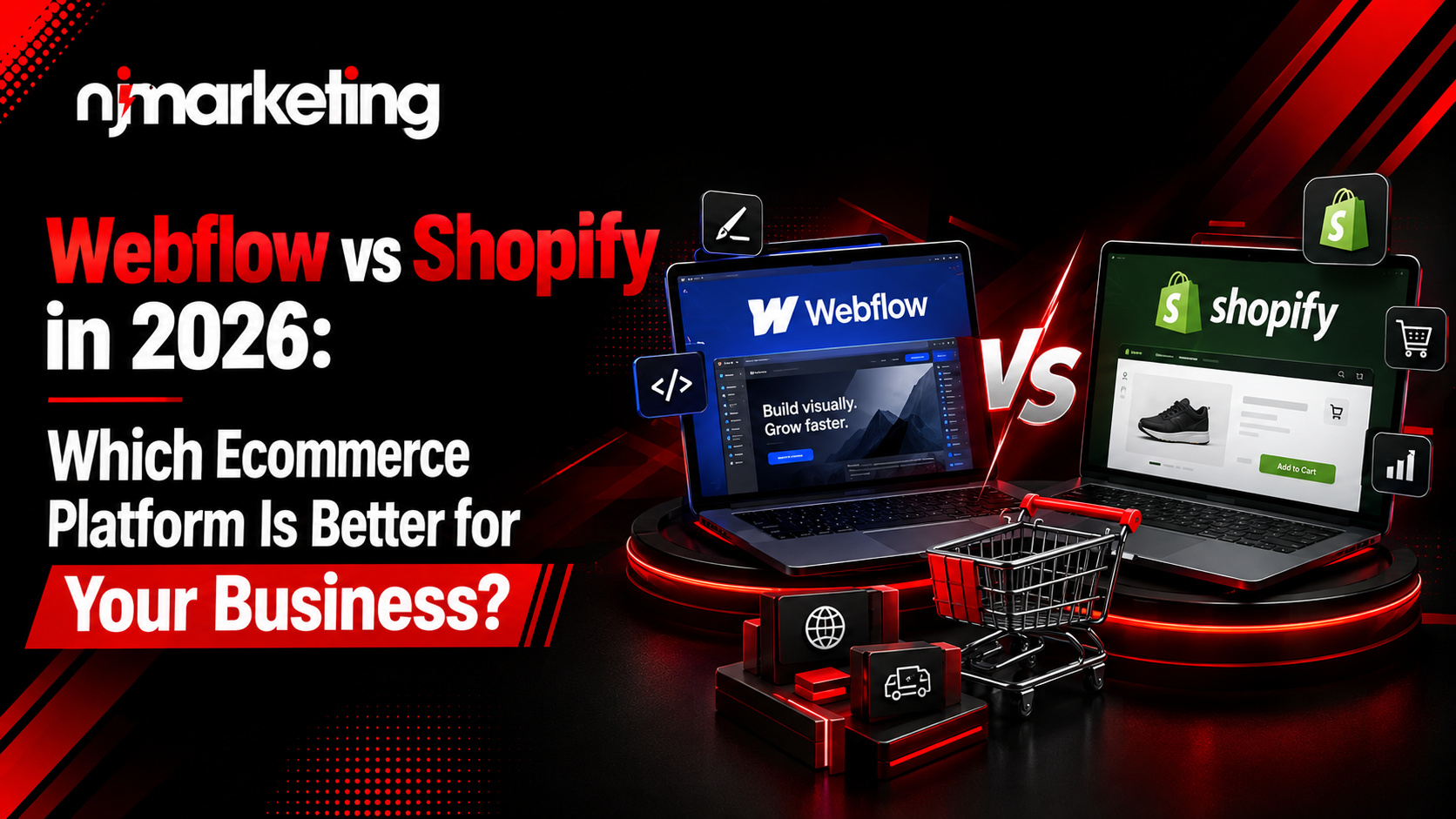
Here’s the short answer: Shopify is built for selling, checkout, inventory, and apps at scale, right out of the box. Webflow is built for design and full creative control over how your brand looks and feels, with ecommerce features layered on top.
Let’s break down exactly why, category by category.
At their core, these two platforms were built to solve different problems.
Webflow is a visual, no-code design platform. It gives you HTML/CSS-level control over every pixel of your site, plus a flexible CMS. Ecommerce was added later as an extension of that design-first foundation.
Shopify is an ecommerce-first platform. Everything from the dashboard to the checkout flow to the app store was built around one goal: helping you sell products, fast.
Think of it this way: Webflow is a design studio. Shopify is a fully stocked retail engine.
A few core differences to keep in mind:
No. Webflow is a website design platform with ecommerce capabilities added on. Shopify is a dedicated ecommerce platform built specifically for running online stores. They can both power a store, but they approach the job from opposite directions.
If you only have two minutes, this table sums up most of what you need to know.
| Category | Webflow | Shopify |
| Best For | Design-led brand sites, content marketing | High-volume ecommerce stores |
| Starting Price | Lower entry cost for basic plans | Slightly higher, but more selling tools included |
| Ease of Use | Moderate learning curve | Beginner-friendly, guided setup |
| Design Flexibility | Extremely high (blank canvas) | Moderate (theme-based) |
| SEO Tools | Strong technical control | Solid basics, needs apps for advanced SEO |
| App Ecosystem | Smaller, growing | 8,000+ apps and integrations |
| Product Limits | Capped by plan (thousands) | No published ceiling |
| Customer Support | Email-based | 24/7 live chat, phone, and email |
| Best Business Size | Small to mid-size, brand-focused | Small to enterprise, sales-focused |
Takeaway: If you need to move fast and sell a lot of products, Shopify wins on infrastructure. If your brand experience is the product, Webflow wins on design.
This is where Webflow Ecommerce vs Shopify really pulls apart.
Shopify was purpose-built for selling from day one. Every feature inventory, checkout, shipping, tax is designed around one job: processing transactions smoothly.
Webflow added ecommerce as an extension of its design platform. That means your storefront can look genuinely unique, but the backend selling tools are less mature than Shopify’s.
Neither approach is “wrong.” When weighing Webflow vs Shopify Ecommerce options, it really depends on whether design or selling infrastructure matters more for your specific business right now.
This category isn’t close and most reviewers agree.
Webflow gives you a blank canvas. You can build custom animations, unique layouts, and interactive elements without fighting a theme. Every element is yours to design, and there’s even a code-export option if you want to take your site elsewhere later.
Shopify runs on themes (Online Store 2.0). You can customize colors, layouts, and some functionality through Liquid code, but you’re ultimately working within a template’s structure. It’s faster to set up, but less flexible.
Webflow, by a wide margin. If a unique, on-brand design is central to your business, Webflow is the stronger choice. If you’d rather launch quickly with a polished template, Shopify gets you there faster.
A few practical differences worth noting:
SEO is where things get genuinely interesting for 2026, especially with AI search tools now shaping how people find businesses online.
Webflow generates clean, semantic HTML and CSS. You get full control over meta tags, URL structure, schema markup, and page speed, which is exactly what technical SEOs look for. This flexibility also helps with AEO (Answer Engine Optimization), since AI tools like ChatGPT and Google’s AI Overviews favor well-structured, clearly coded content.
Shopify covers the SEO basics well: sitemaps, editable meta tags, alt text. But more advanced technical SEO work often requires apps or Liquid code edits, which can get restrictive.
For technical SEO and AI-search readiness, Webflow has the edge thanks to its clean code output and structural flexibility. For ecommerce SEO basics without extra setup, Shopify is perfectly capable; it just requires more tools to go deeper.
If you’re not sure whether your current site is optimized for how people (and AI tools) are actually searching in 2026, our AEO & GEO services team can take a look.
This is the most feature-dense part of the comparison, so let’s break it into pieces.
Bottom line: if your business depends on deep ecommerce functionality, large catalogs, multichannel selling, and extensive integrations, Shopify simply has more built in.
Pricing on both platforms changes fairly often, so treat these as general patterns rather than fixed numbers — always check each platform’s official pricing page before deciding.
Here’s how the cost structure generally breaks down:
It depends on what you’re optimizing for. Webflow can be more affordable if you’re mainly using it as a design-led marketing site. Shopify’s higher-tier pricing often pays for itself through built-in selling infrastructure you’d otherwise have to buy as apps on Webflow.
Don’t forget hidden costs on both platforms:
Shopify was designed for non-technical founders. The dashboard is guided, setup is fast, and you can realistically launch a basic store in a day.
Webflow has a steeper learning curve. It requires understanding some design and layout logic not coding exactly, but a different way of thinking than filling out a template.
Shopify, without much debate. If you want to launch quickly with minimal learning, Shopify’s guided setup gets you there. Webflow rewards patience with more control, but it does ask more of you upfront.
This decision usually comes down to three things: budget, technical comfort, and catalog size.
Quick signals you should choose Shopify:
Quick signals you should choose Webflow:
Example scenario: If you’re a solo founder with under 50 products and want to launch this month, Shopify wins on speed. If your product is premium and your brand story is the selling point, Webflow wins on design impact.
As your business scales, priorities shift from “how do I launch” to “how do I handle volume.”
Things to consider at this stage:
If growth and scale are your near-term goals, Shopify’s ecommerce depth becomes increasingly valuable. Webflow’s product and variant limits are worth watching closely as your catalog expands.
Here’s a trend worth paying attention to in 2026: more brands are stopping the “either/or” debate entirely and using both platforms together.
The setup typically works like this:
In simple terms, Webflow builds the experience customers see before they decide to buy, and Shopify powers what happens after they click “Add to Cart.” This gives design-focused brands the creative freedom of Webflow without giving up Shopify’s proven checkout reliability.
This hybrid approach tends to appeal to premium and direct-to-consumer (DTC) brands that need strong storytelling but don’t want to compromise on backend commerce performance.
If you’re exploring a hybrid Webflow-Shopify build, our team designs and integrates both you can see how we approach it through our ecommerce website services.
Sometimes a simple pros-and-cons list makes the decision clearer than anything else.
Pros:
Cons:
Pros:
Cons:
After everything above, here’s the honest, no-fence-sitting verdict:
There’s no universally “better” platform in the Webflow vs Shopify debate only the one that’s better for your business, right now, at your current stage of growth.
Whichever direction you lean, the real difference in results usually comes down to how well the platform is built and optimized not just which logo is on the dashboard. NJ Marketing designs, develops, and optimizes ecommerce sites on both Webflow and Shopify. If you want a second opinion on which one fits your business,
FAQ:
Shopify is generally better for ecommerce-heavy businesses because of its built-in checkout, inventory tools, and massive app ecosystem. Webflow is better when design and brand experience matter as much as the sale itself.
Not as easily. Webflow’s ecommerce plans cap product and variant counts, while Shopify supports much larger, high-SKU catalogs without a published ceiling.
Webflow offers more technical SEO control through clean, semantic code, which also helps with AI/answer-engine visibility. Shopify covers essential SEO basics well but often needs apps for more advanced optimization.
It depends on your use case. Webflow can be more affordable for a design-focused marketing site, while Shopify’s pricing often reflects the built-in selling infrastructure you’d otherwise need to add through apps.
Yes. Many brands use Webflow for their marketing site and Shopify for checkout and order management, connecting the two through Shopify’s Buy Button or Storefront API for a headless setup.
Shopify is usually the faster, easier starting point for beginners. Webflow makes more sense if a distinctive design is central to your brand from day one.
Both can perform well when properly optimized, but Webflow’s clean code output often gives it a slight edge in raw page speed, while Shopify’s speed depends more on theme choice and app load.
NJ Marketing is a full-service digital agency based in Mississauga, Ontario. We blend data-driven marketing, strategic web development, and custom branding solutions to help businesses scale.


Copyright © 2026 All Rights Reserved. Developed by njsoftlab.
